
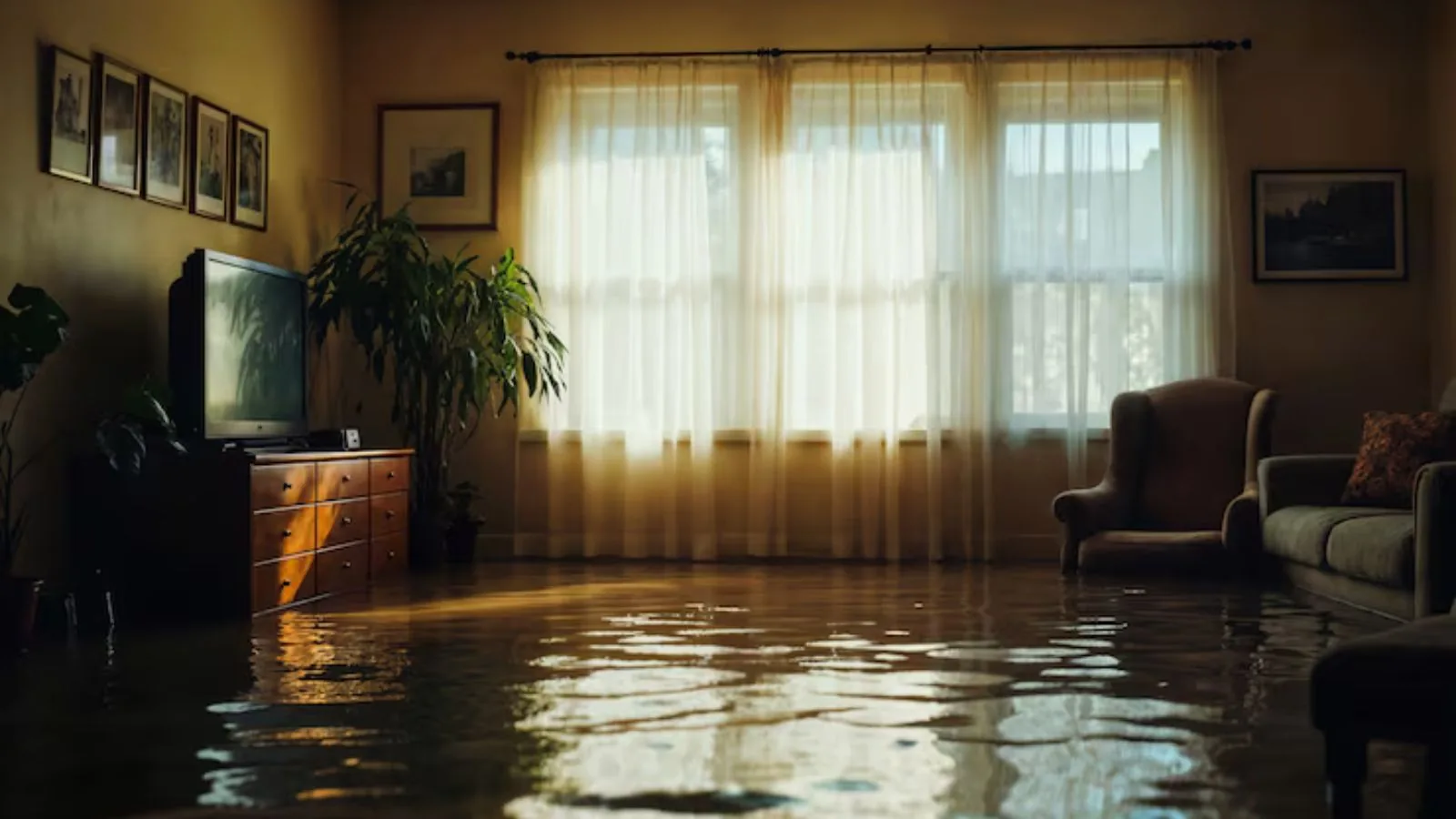
Water and electronics are a safety issue before they are a repair issue. A wet device that is plugged in can shock someone or start a fire, and a wet device that is turned on can fail permanently. This guide covers what to do in order and how to decide what can be saved. It is general guidance, and an electrician or the manufacturer can advise on specific items.
Safety first
- If water is touching outlets, a panel or extension cords, do not step into it.
- If you can reach the panel from dry ground, turn off power to the affected area. If not, call 911 or the utility.
- Unplug devices only if the outlet and the floor are dry and you are not standing in water.
- Do not turn on a wet device to see if it works.
- Move devices to a dry area once it is safe.
What water does
Clean water can short circuits when power is applied, and it leaves residue that corrodes contacts as it dries. Salt water and contaminated water are worse. Corrosion can show up days or weeks later, so a device that works right after drying can still fail. That is why damage can be hard to judge from a quick test.
| Device | Usual approach | Note |
|---|---|---|
| Phone or tablet | Power off, do not charge, do not use rice, contact a repair service | Water in ports and under shields |
| Laptop | Power off, remove battery if possible, do not turn on | Repair services can clean boards |
| TV and monitors | Do not power on, have a technician check | Internal boards can corrode |
| Large appliances | Unplug when safe, have a technician inspect before use | Water in controls and wiring |
| Outlets and panels | Have an electrician inspect before power is restored | Do not reset breakers in a wet area |
Myths to skip
- Rice does not reliably dry a device and can leave debris in ports.
- A hair dryer can push water deeper and damage parts.
- A device that turns on is not necessarily undamaged.
- Waiting a day with the power on is not drying.
Data first
If a device holds data you need, tell the repair service. Data recovery is sometimes possible even when the device itself is not repairable. Keep the device off and avoid charging it. Backups are the simplest protection, and checking that they work is worth doing.
Appliances and wiring in a wet building
After a water loss, wiring in walls and floors can be wet too. Do not restore power to affected circuits until an electrician has inspected. A restoration crew works around electrical hazards and may ask that power be shut off in the work area. See water extraction for what happens first, and structural drying for how walls are dried.
Smoke detectors, alarms and low-voltage items
Smoke and carbon monoxide detectors that got wet should be replaced or tested according to the manufacturer. Doorbells, thermostats and garage door openers contain boards that corrode when wet. If one stops working a week after a water event, corrosion is a likely cause, and it matters in your claim.
Small steps that reduce the risk
- Keep electronics off the floor in garages, basements and lower cabinets.
- Use a surge protector on a shelf, not on the floor.
- Keep chargers and cords away from sinks, tubs and windowsills.
- Back up phones and computers regularly.
- Know where your electrical panel is and how to reach it from dry ground.
These steps are cheap and they matter most when a loss happens at night or while you are away. A device on a shelf survives many floods that destroy one on the floor.
Insurance and documentation
Photograph each device and its serial number. Write down the age and approximate value. Ask your insurer how electronics are covered, since policies have limits for contents. Keep damaged items until the adjuster has seen them or approved discard. Check your policy or ask your insurer.
Chargers, cords and power strips
Power strips and extension cords that sat in water should be thrown out, even if they look fine afterward, because the internal contacts corrode and can overheat later. The same goes for chargers and adapters. They are inexpensive to replace and risky to reuse. Keep the device itself off until a technician has checked it, and test any replacement cord on a dry circuit before trusting it.
A Burlingame note
Power and storms often arrive together. Local reporting on the 2022 New Year's Eve storm described water breaching the Easton Creek levee and pump stations being lost, and during storms like that the safest assumption is that outlets and panels in wet areas are unsafe. Call 911 or the utility for electrical hazards before calling for restoration. Public Works at 650-558-7670 handles emergency flooding and storm drains.
Businesses near the bayfront have extra exposure, since the city's 2019 memo on sea-level adaptation describes the bayfront as low-lying and mostly commercial. See commercial water damage restoration for how business losses are handled. See the pages for San Mateo and El Granada to see how calls from nearby places are handled.
Frequently asked questions
Should I turn on a wet device to test it?
No. Power can short wet circuits. Keep it off and have it inspected.
Does rice dry a wet phone?
Not reliably, and it can leave debris. Contact a repair service.
When can I restore power after a flood?
After an electrician inspects the affected circuits. Do not reset breakers in a wet area.
Can data be recovered from a wet laptop?
Sometimes. Keep it off and ask a repair or recovery service.
Whom do I call for an electrical hazard in Burlingame?
911 or the utility for immediate danger. For flooding or storm drain issues, Public Works at 650-558-7670.
Water still spreading or not sure what you are looking at? The line is open 24/7.
✆ Call (833) 521-1033